
Download the 12Bet APK for Android
The 12Bet mobile app is available as a free APK download for Android devices. iOS users can access the platform immediately through the PWA version, with a dedicated native app currently in development. Both options cover the full platform: sports betting, live casino, slots, and all major payment methods including UPI, PayTM, and Net Banking. Indian players can download and use the app legally. New users qualify for a welcome bonus of 88% up to 8,000 INR on their first deposit. The app supports English and Hindi, with INR as the primary currency.

Key Facts About the 12Bet Mobile App in India
The 12Bet mobile application delivers the complete platform experience on both Android and iOS. Sports betting, casino games, live dealer tables, bonuses, deposits, and withdrawals are all accessible from a single account. All sections update instantly across devices with no need to log out and back in. The Android APK and iOS PWA share the same account system, so your balance and betting history are always current.
Release Date
2013
Developer
12Bet
App Version
Latest stable version (2026)
Supported OS
Android 5.0+, iOS 12.0+ (PWA)
Downloading Cost
Free
APK File Size
Approximately 35 MB
Installed App Size
Approximately 50 MB
Latest Update
2026
App Category
Sports Betting, Casino, Live Casino, Esports, Slots
Supported Languages
English, Hindi, Chinese, Thai
Supported Currencies
INR, USD, EUR, HKD, CNY
Customer Support
Live Chat, Email, Telephone
How to Download the 12Bet APK on Android
The 12Bet APK is compatible with Android 5.0 and above, covering the vast majority of Android smartphones and tablets available in India. The file size is approximately 35 MB, so the download completes quickly even on a mobile data connection.
1. Click the Download Button on This Page
Tap the “Download APK for Android” button below. The APK file will begin downloading directly to your device’s storage.
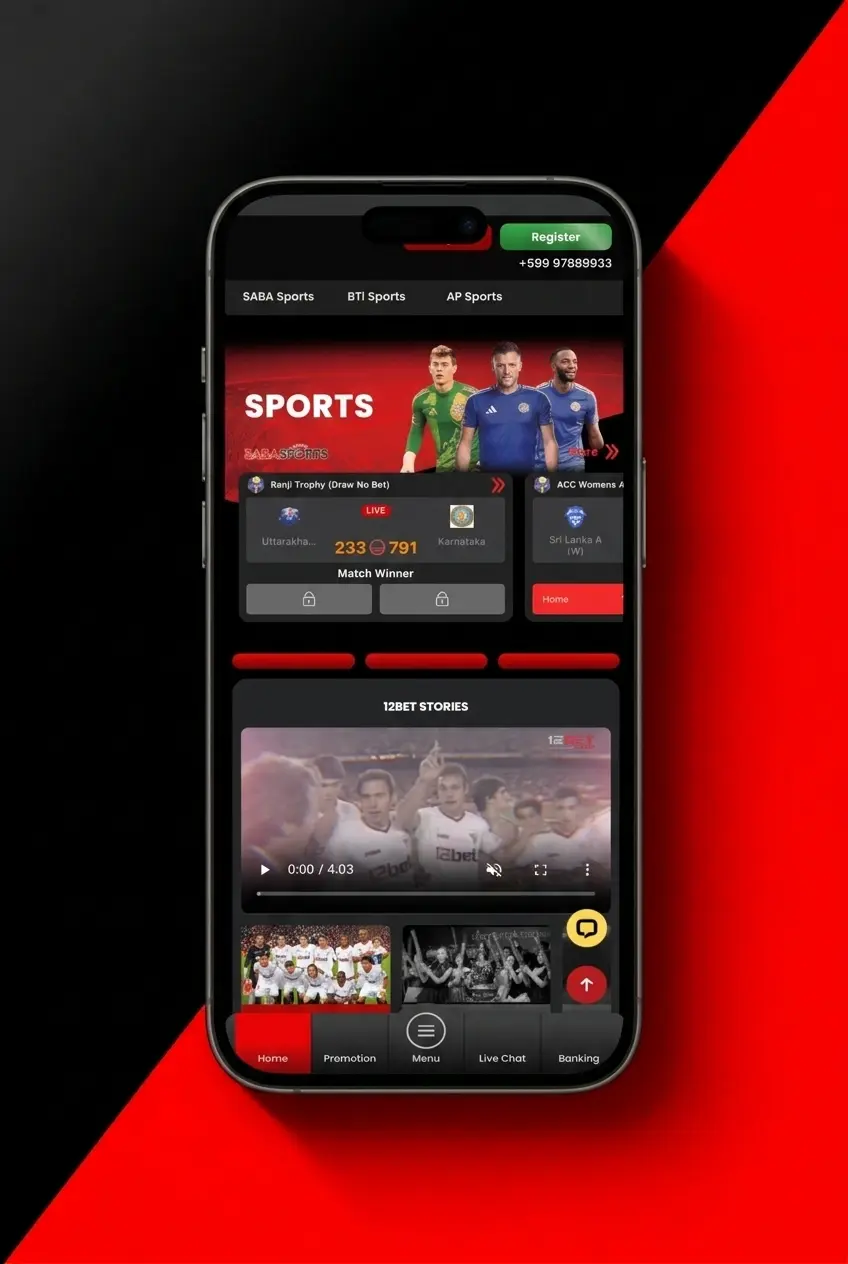
2. Enable Installation from Unknown Sources
Open your device Settings, navigate to Security or Privacy, and enable “Install unknown apps” or “Unknown sources” for your browser or file manager.
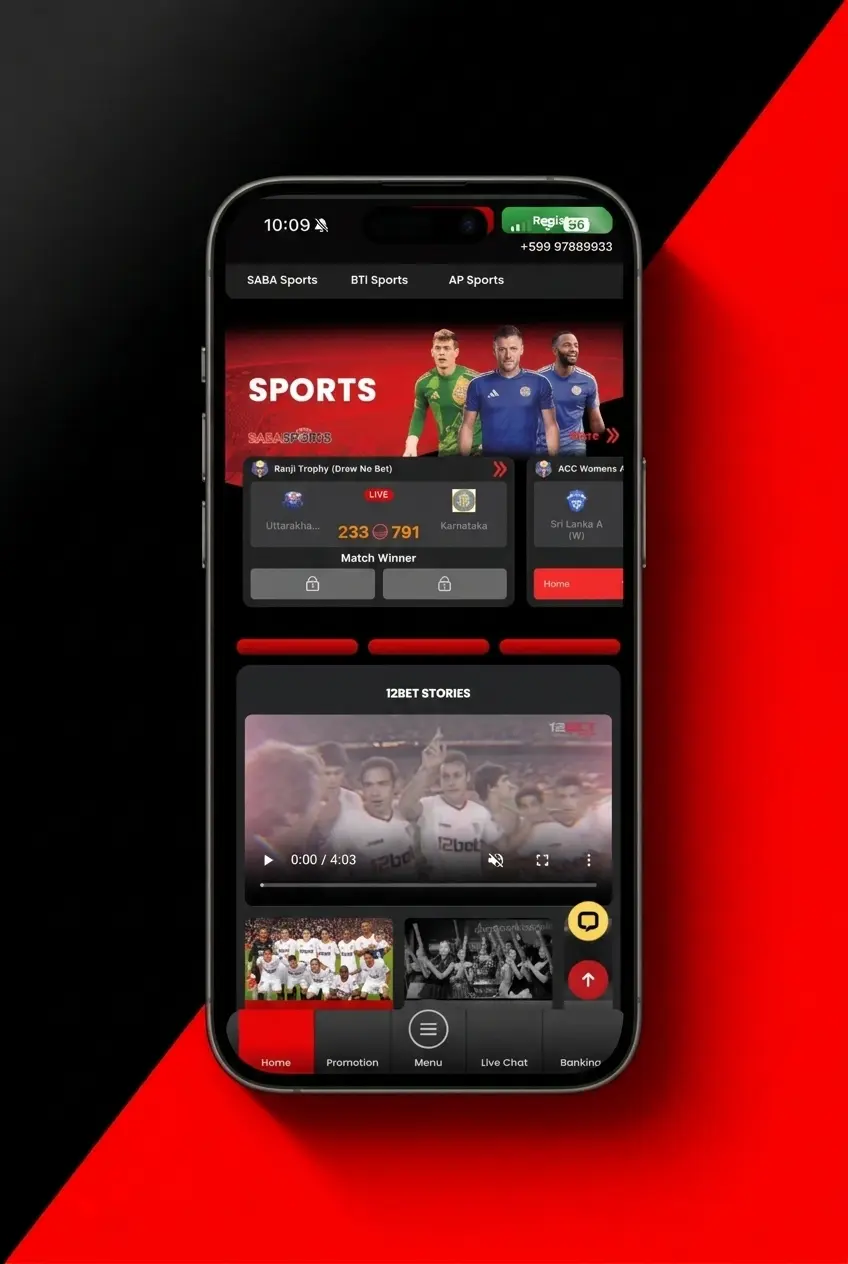
3. Locate the Downloaded APK File
Open your file manager and go to the Downloads folder. Find the 12Bet APK file you just downloaded.
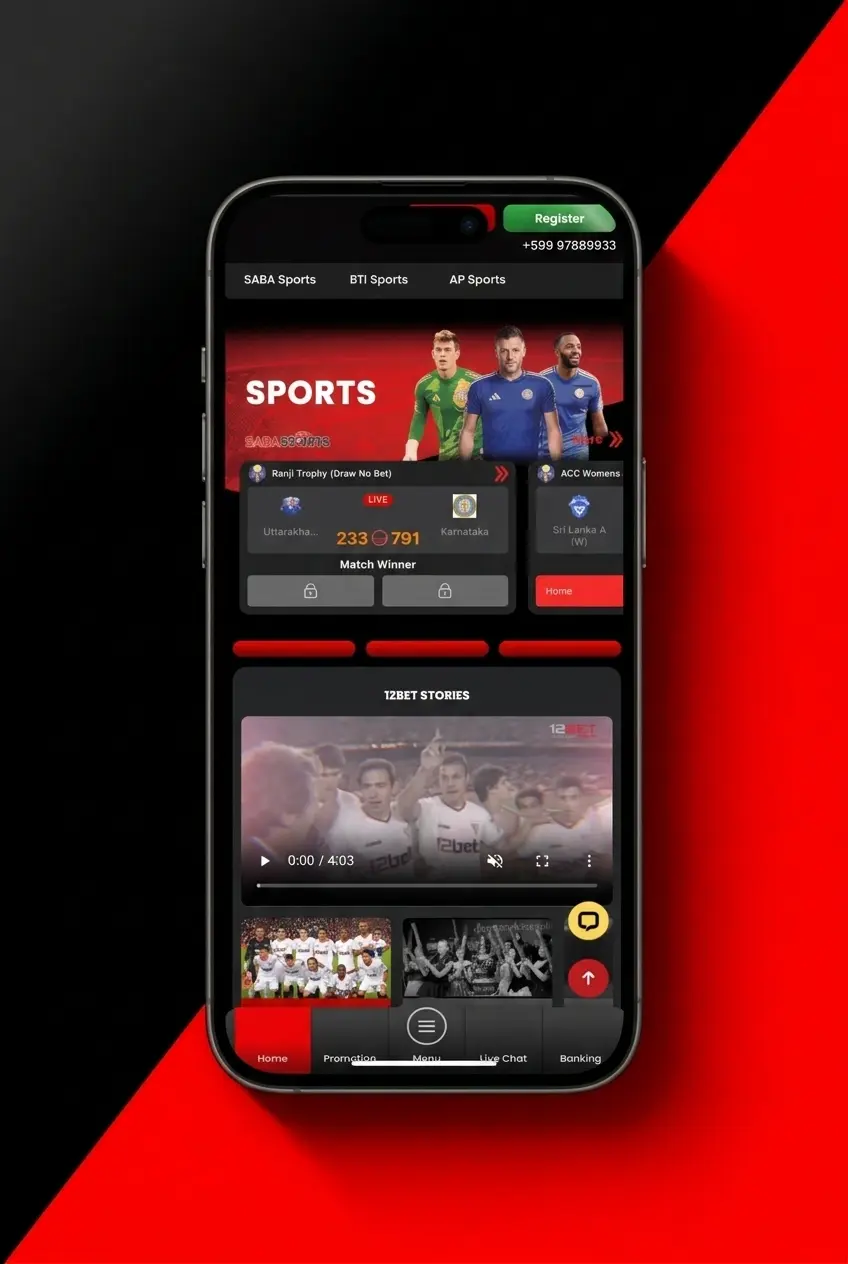
4. Tap the APK File to Begin Installation
Tap the file and select Install when prompted. The installation process takes under 30 seconds on most devices.
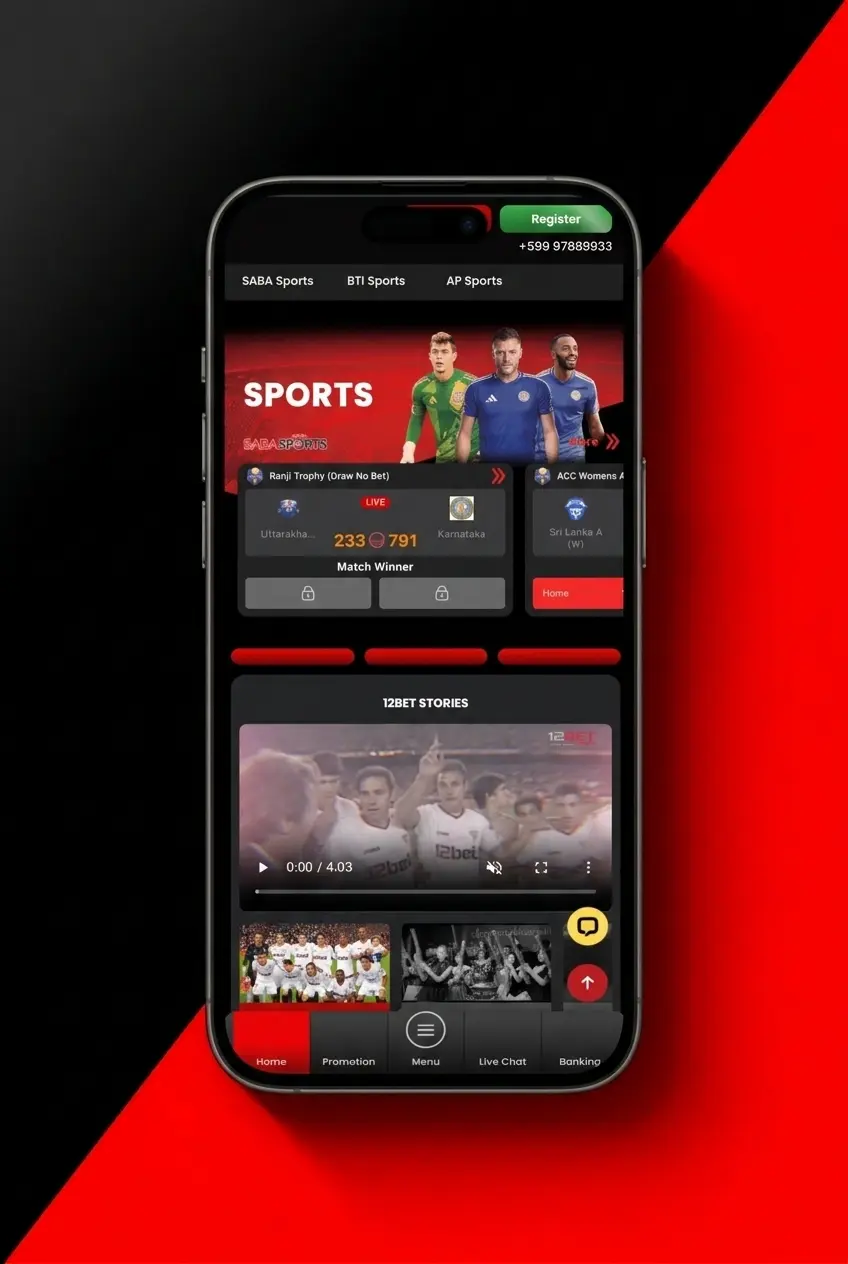
5. Open the App and Log In or Register
Once installed, tap the 12Bet icon on your home screen. Log in to your existing account or register a new one to start betting.
Minimum System Requirements for the 12Bet Android App
The 12Bet APK runs on devices meeting the specifications below. Users with older hardware can use the mobile website or PWA version as an alternative without any loss of core features.
| Requirement | Minimum Spec |
|---|---|
| Android Version | Android 5.0 (Lollipop) or higher |
| RAM | 1 GB |
| Processor Frequency | 1.2 GHz |
| Free Storage Space | 60 MB |
Compatible Android Devices for the 12Bet App
The 12Bet APK has been tested and confirmed to run on a wide range of current and mid-range Android devices. The following handsets are fully compatible:
- Samsung Galaxy A54 5G.
- Xiaomi Redmi Note 12.
- Realme 11 Pro.
- OnePlus Nord CE 3 Lite.
- Vivo V29e.
Updated: